Apple Mail is genuinely fine. It's free, private, and handles the basics without drama. But if you're triaging hundreds of messages a day, juggling a Google Workspace account and two side projects, or pushing a team through a shared inbox, "fine" stops being enough. That's usually when people discover Spark — the freemium app that has become the default answer to "what should I replace Apple Mail with?" Spark deserves the reputation, but it's no longer the whole story. The Mac email field in 2026 is deeper than it has been in a decade. Here are the six apps actually worth your time, with an honest verdict on each.
Spark: The Team Email Everyone Knows
Spark earned its place as the mainstream pick. Its smart inbox separates people from newsletters and notifications, and it works with just about every provider — Gmail, Outlook, iCloud, IMAP. Where Spark really pulls away is teams: shared inboxes, private comments on email threads, and collaborative drafts turn email into something closer to a group workspace. The free tier covers most individual use; the paid Premium plan unlocks the collaboration and AI features.
The trade-off is architectural. Spark processes mail through its own servers to power those smart features, which is exactly what privacy-focused users don't want from an email client.
Verdict: the best all-rounder for teams and multi-provider setups — free for individuals, a subscription for collaboration — but if routing mail through a third-party cloud bothers you, look elsewhere.
Mimestream: The Best Gmail App on the Mac
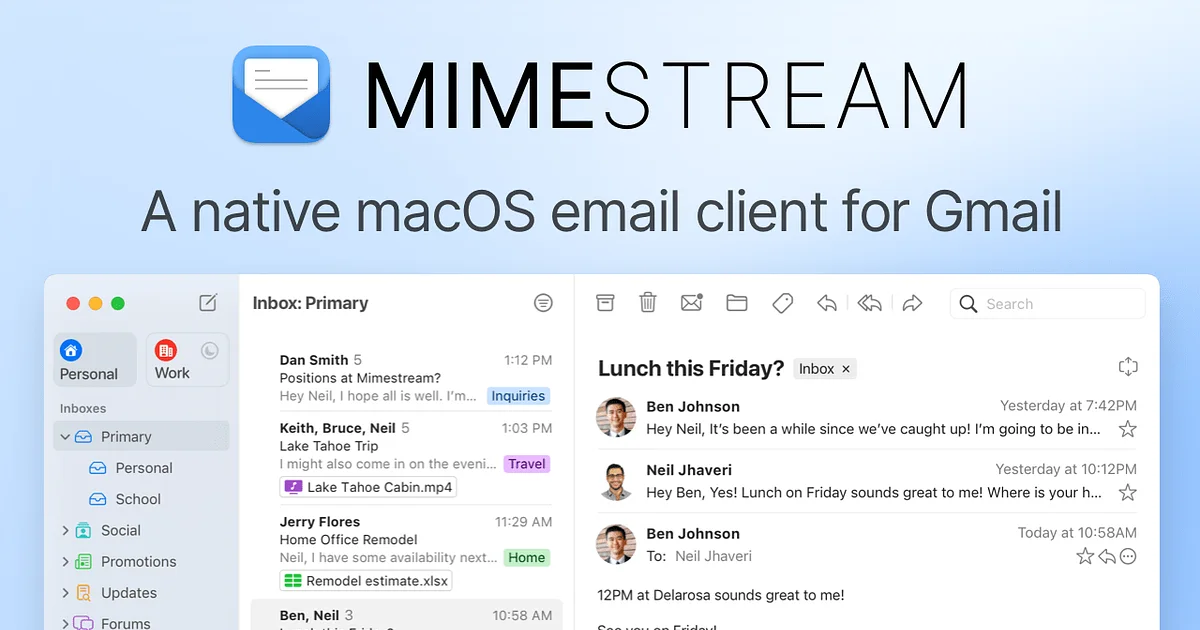
If every account you own is Gmail or Google Workspace, the conversation is short: get Mimestream. Built by a former Apple Mail engineer, it's a native SwiftUI app that speaks the Gmail API directly instead of faking it over IMAP. Labels behave like labels, aliases and categories work the way they do on the web, and the whole app is fast and light in a way heavier cross-platform clients simply aren't. At $4.99 a month it's one of the cheaper paid options here, and it's the consensus best Gmail client on the Mac for a reason.
The limitation is the same as the pitch: it's Gmail-only. Add one Outlook or iCloud account to your life and Mimestream can't help you.
Verdict: the best Mac Gmail experience, period — $4.99/month, easy to justify for Google-only setups, irrelevant for everyone else.
Superhuman: Speed at a Price
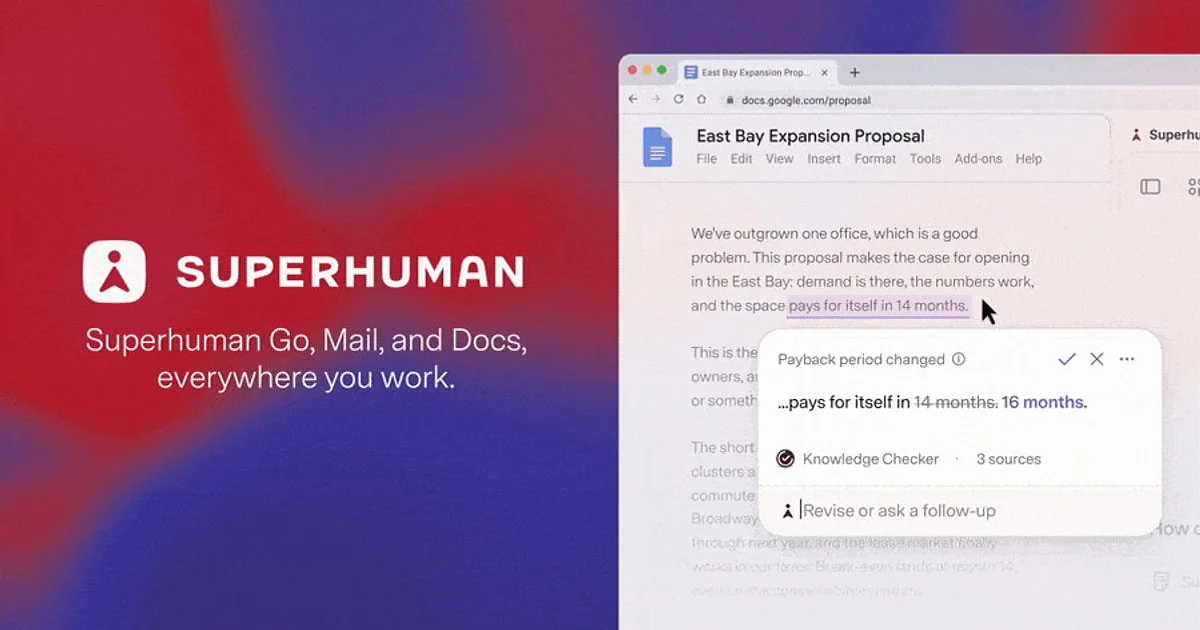
Superhuman is the most expensive way to do email, and for a specific kind of person it's worth every cent. Everything is built for speed: keyboard shortcuts for every action, a split inbox that surfaces what matters, and AI that triages, summarizes, and drafts in your voice. Now part of Grammarly, its AI writing side has only become more central to the pitch. At $30 a month, though, it costs more than many people's entire app budget.
That price is the real limitation. If you live in email — founders, recruiters, salespeople — the saved minutes compound. If you check email four times a day, it's a luxury.
Verdict: the money-no-object choice for people whose job is effectively email; $30/month; hard to justify for anyone who doesn't measure their day in messages.
Canary Mail: Privacy and AI Under One Roof
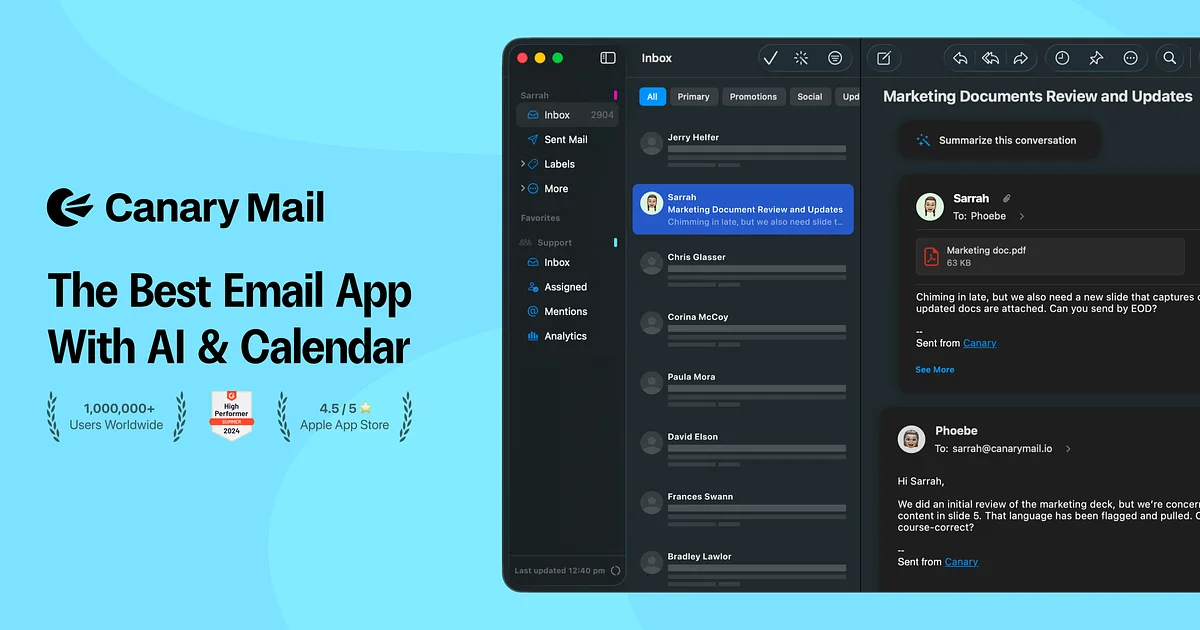
Canary Mail stakes out territory nobody else on this list occupies: serious encryption plus AI in one freemium app. PGP end-to-end encryption is built in rather than bolted on, and the AI features for drafting and summarizing run on-device, so your mail isn't shipped off to someone else's cloud for processing. It works across providers, and the free tier is enough to evaluate it properly.
The honest caveat is polish. Canary does more than most clients, but its interface and overall fit-and-finish trail Spark and Mimestream.
Verdict: the pick for privacy-first users who still want modern AI conveniences — freemium with a paid upgrade — as long as you'll trade some polish for the security.
Thunderbird: The Free Powerhouse
Write Thunderbird off at your own risk. The open-source veteran has been heavily modernized since the Supernova overhaul, with a cleaner interface and steady releases that have quietly worked through a decade of accumulated cruft. It remains the power user's toolbox: unlimited accounts on any provider, deep filtering rules, a built-in calendar, and an extension ecosystem no commercial client matches. And it's completely free, with no premium tier waiting to upsell you.
What it isn't is a native Mac app. It looks and behaves noticeably less Mac-like than SwiftUI clients such as Mimestream, and it probably always will.
Verdict: the best free email app on the Mac for people who value control over convenience; $0; just don't expect it to feel like it was born on macOS.
Notion Mail: A Free AI Inbox for Gmail
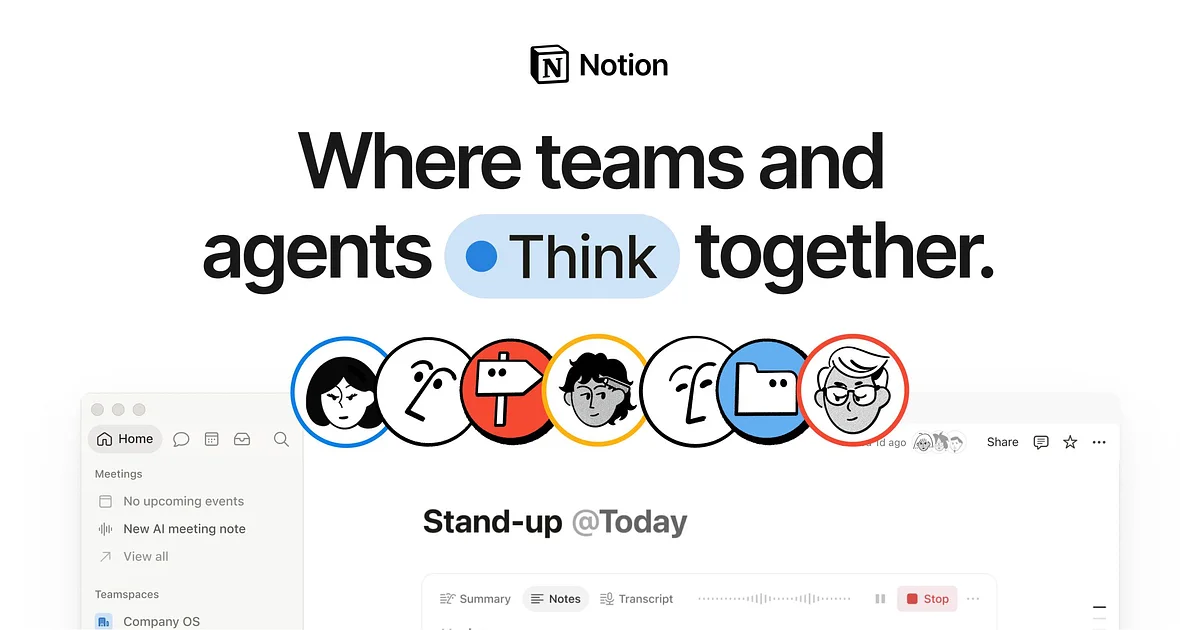
Notion Mail is the newest name here and the most interesting free option for Gmail users. Built by Notion Labs, it applies the company's signature approach to your inbox: AI organizes mail into custom views, so newsletters, receipts, and actual conversations stop fighting for the same space. If you already live in Notion, the interface feels instantly familiar — and the price is zero.
Two catches. It's Gmail-only, like Mimestream, and it's young, so the feature depth isn't yet close to what the veterans on this list offer.
Verdict: the free pick for Notion-loving Gmail users who want an AI-organized inbox; $0; skip it if you need non-Google accounts or power-user depth today.
How They Compare
Best for Gmail: Mimestream. Nothing else treats Gmail as well, and $4.99/month is fair for the best-in-class experience.
Best free app: Thunderbird for power and flexibility across any provider; Notion Mail if you're all-in on Gmail and want AI organization without paying.
Best for teams: Spark. Shared inboxes and thread comments remain its clearest advantage over everything else here.
Best money-no-object: Superhuman. If $30/month doesn't make you flinch and email is your job, it's still the fastest way through an inbox.
The Bottom Line
There's no single best email app for Mac in 2026 — there's a best app for your particular mix of accounts, budget, and tolerance for cloud processing. Gmail-only users should start with Mimestream and glance at Notion Mail. Teams should start with Spark. Privacy hawks have Canary Mail, tinkerers have Thunderbird, and the email-obsessed have Superhuman. The good news: four of the six cost nothing to try seriously — so pick two, run them for a week each, and let your own inbox decide.