Macs used to be an afterthought for attackers. That era is over. As Apple's platform has grown, so has the attention it draws — adware, infostealer campaigns aimed squarely at macOS, and plenty of legitimate software that simply phones home more often than it should. macOS ships with good bones: Gatekeeper, XProtect, and FileVault cover a lot. But two gaps are still best filled by third-party apps — knowing what leaves your Mac over the network, and managing the passwords that guard everything else. Here are the Mac security apps we'd actually install in 2026, with the trade-offs spelled out.
Network firewalls: know what's phoning home
The firewall built into macOS filters incoming connections only. That's the less interesting direction. The question most Mac users actually have is which apps are quietly connecting out — to analytics endpoints, update servers, or somewhere they never expected. Answering it takes an outbound firewall, and on the Mac there are two serious choices.
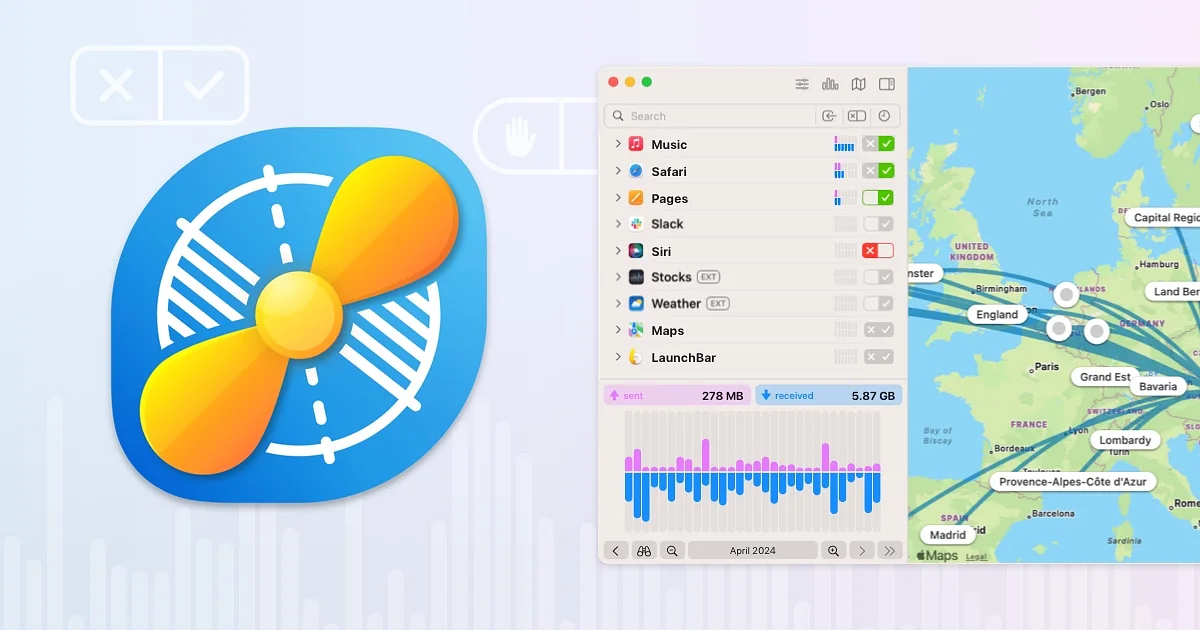
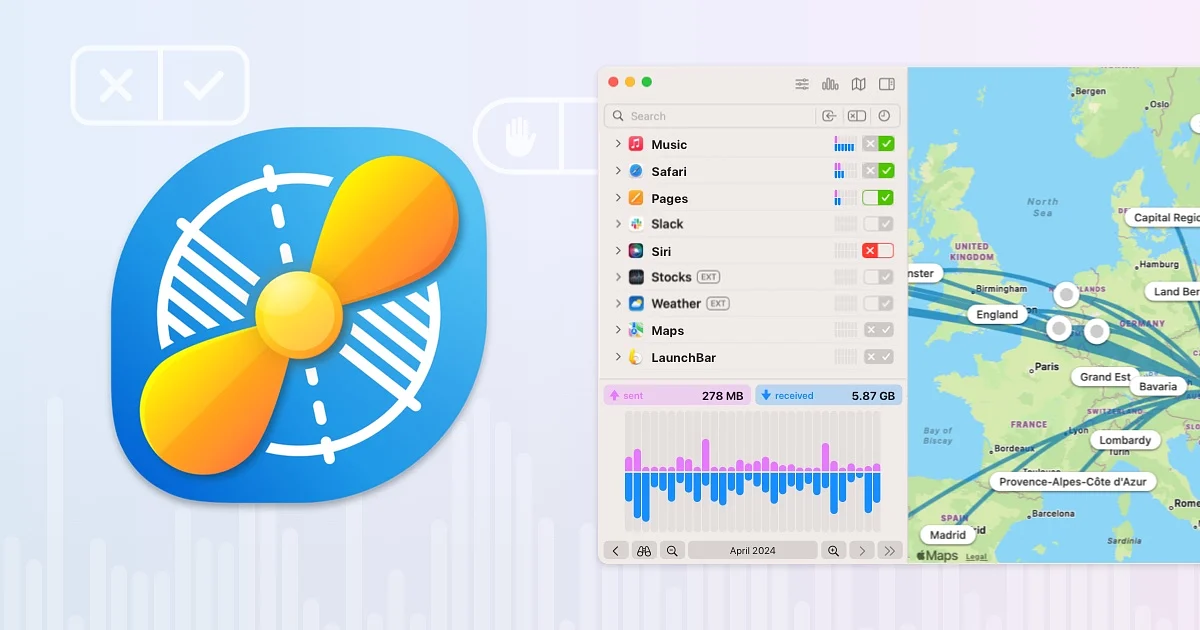
Little Snitch ($59, one-time purchase, from Objective Development) is the definitive Mac network monitor and has been for years. When an app tries to connect somewhere new, Little Snitch can ask you to allow or deny it — once, for a session, or permanently — and its rules interface makes those decisions easy to review and refine later. The live network monitor is genuinely useful too: a real-time picture of what's talking, and to where. The honest downsides are the ones you'd guess. The first week is noisy while you train it, and $59 is real money for a single-purpose utility — though a one-time price with no subscription is increasingly rare, and this is a tool people keep for years.
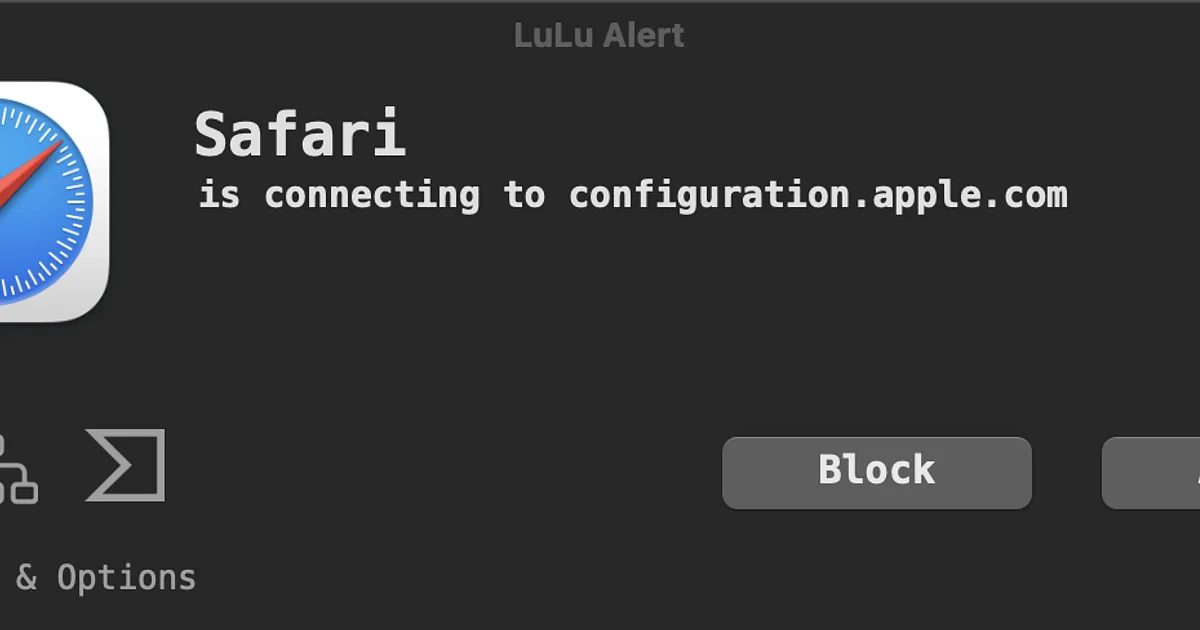
LuLu is the free counterweight. It's an open-source firewall from Patrick Wardle's Objective-See project — Wardle has spent years building free Mac security tools, and that focus shows. LuLu does the core job: watch for outgoing connections, alert you, remember your choice. No frills beyond that, and no charge either.
Little Snitch vs LuLu: pay for polish or go free?
The comparison is refreshingly simple, because both tools are good. Little Snitch gives you a more refined experience: a proper rules UI you can audit, more flexible ways to handle temporary decisions, and a monitor that turns network traffic into something you can actually read. LuLu gives you the essential protection — alerts on unknown outbound connections — for nothing, with source code anyone can inspect. Our advice: start with LuLu. If you find yourself living in your firewall — reviewing rules, investigating traffic, wanting finer control — that's the sign you're a Little Snitch customer, and the $59 will feel fair.
Password managers: the highest-leverage upgrade
If you do exactly one thing for your security this year, make it a password manager. Unique passwords for every site turn a breach at one service into a non-event everywhere else. The Mac has an unusually strong field here — one mainstream leader and a healthy set of 1Password alternatives.
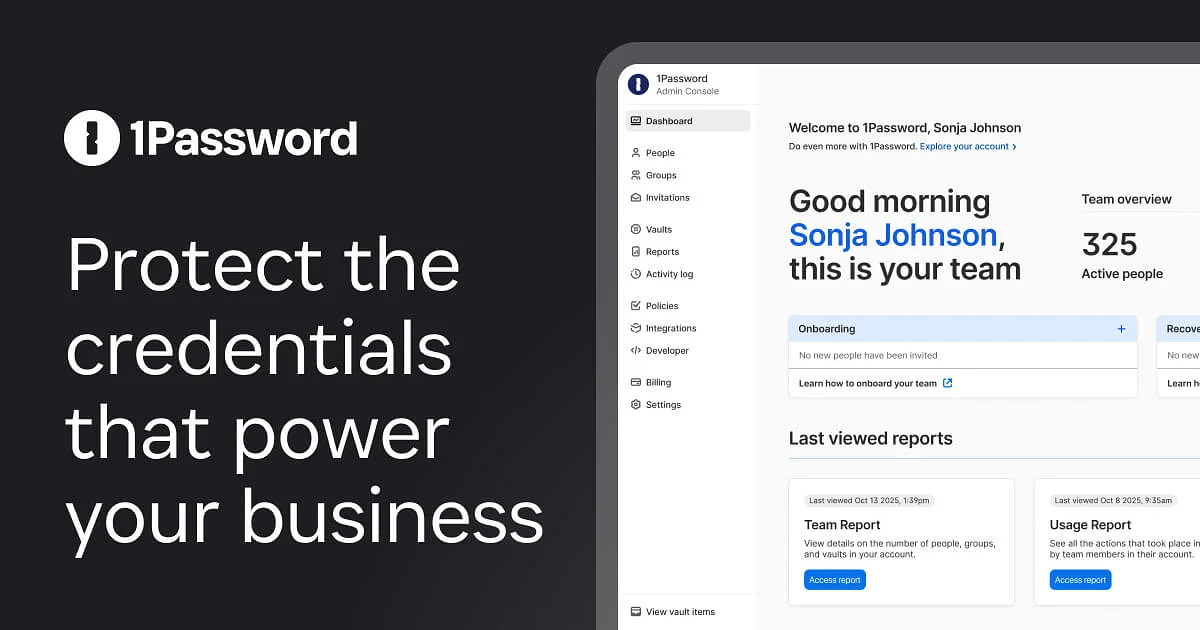
1Password is the mainstream pick for a reason. The apps are polished across Mac, iPhone, and the browser, autofill is dependable, and sharing with a family or a team is straightforward. It's subscription-only, which some people resent, but it's the option we'd hand to a relative without a second thought.
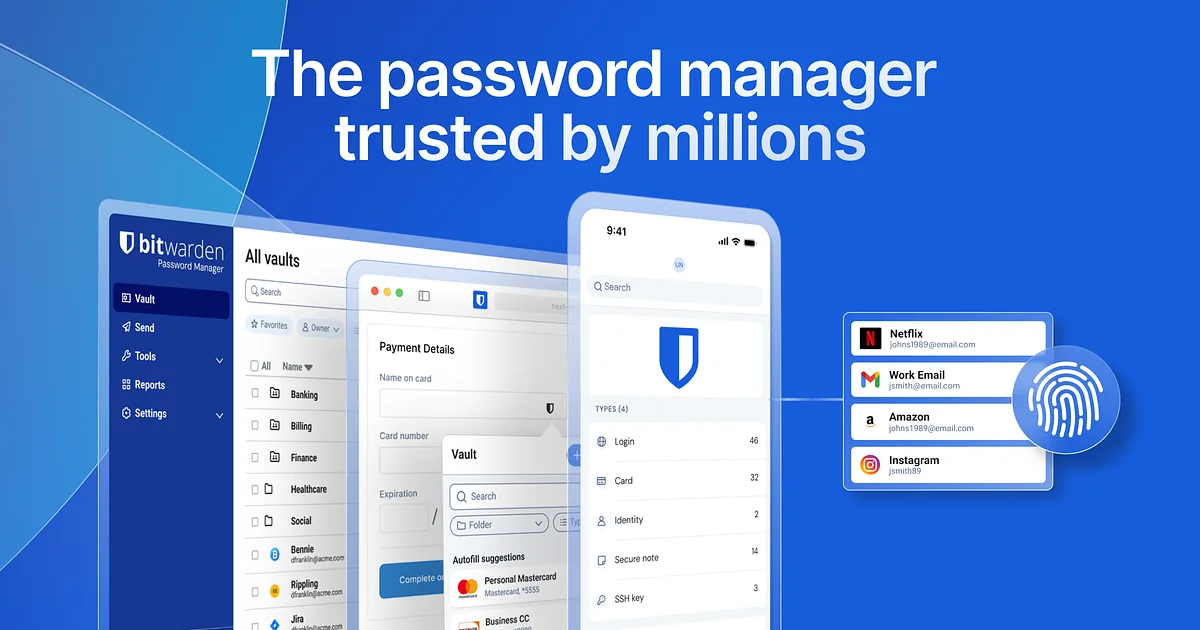
Bitwarden is the obvious open-source alternative. The free tier covers the essentials, the code is open for anyone to audit, and the apps are more functional than beautiful — which is a trade plenty of people will happily make at this price.
Proton Pass comes from Proton, the company behind Proton Mail, and brings the same end-to-end-encryption-first posture to passwords. There's a usable free tier, and if you're already inside Proton's ecosystem it slots in naturally.
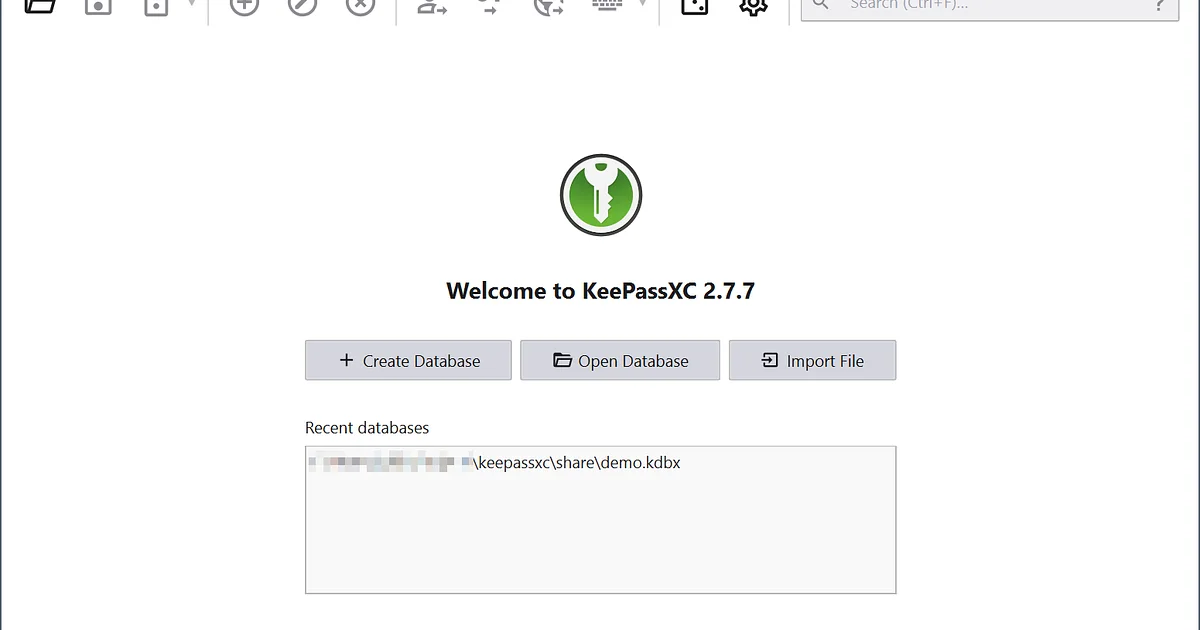
KeePassXC is for people who want no service at all. It's a free, offline, open-source client for the KeePass database format: your vault is a local encrypted file that you own outright. Syncing between devices is your responsibility — a cloud folder, a local network, whatever you trust — which is either the whole point or a dealbreaker, depending on who you are.
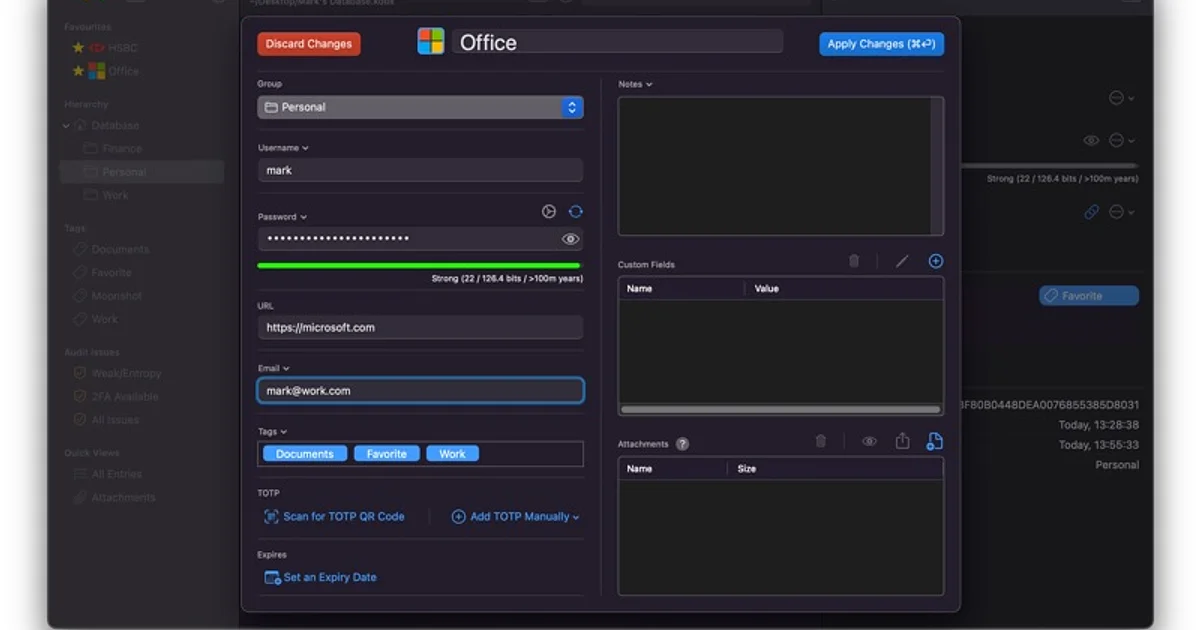
Strongbox, from Phoebe Code, is the other door into the KeePass world: a native Apple client that speaks the same open format but feels at home on a Mac. It's freemium — the basics are free, with paid upgrades — and it's the pick if you want KeePass's ownership model without KeePassXC's utilitarian interface.
1Password vs the KeePass ecosystem: convenience vs ownership
This is the real decision, and it's about philosophy more than features. 1Password — and hosted services like Bitwarden and Proton Pass — trade a dependency for convenience: the company runs the sync, the sharing, and the recovery flows, and you get an experience that just works. The KeePass ecosystem — KeePassXC and Strongbox — inverts the deal. Your vault is a file. No company can change its pricing, sunset your plan, or have an outage between you and your passwords. In exchange, you take on the operational work: syncing, backups, and being your own recovery plan. Neither side is wrong. Most people are better served by hosted convenience; the people who want the file usually know exactly who they are.
How to choose
- You want to see and control your Mac's network traffic, and you'll pay for the best tooling: Little Snitch.
- You want outbound protection for free: LuLu.
- You want a password manager that just works for you and your family: 1Password.
- You want open source with a strong free tier: Bitwarden — or Proton Pass if you already use Proton services.
- You want to own your vault as a local file: KeePassXC, or Strongbox for a more native Apple take on the same format.
A firewall and a password manager are complementary, not competing. The strongest simple setup on this list is one of each.
The bottom line
Mac security in 2026 doesn't require a suite of scanners and a monthly bill. Two well-chosen tools cover the gaps that matter most: an outbound firewall so you know what your Mac is saying to the internet, and a password manager so one breached site never becomes ten. Every app here is respected and actively maintained — start with the free options, upgrade where the polish earns it, and you'll be ahead of the vast majority of Mac users.