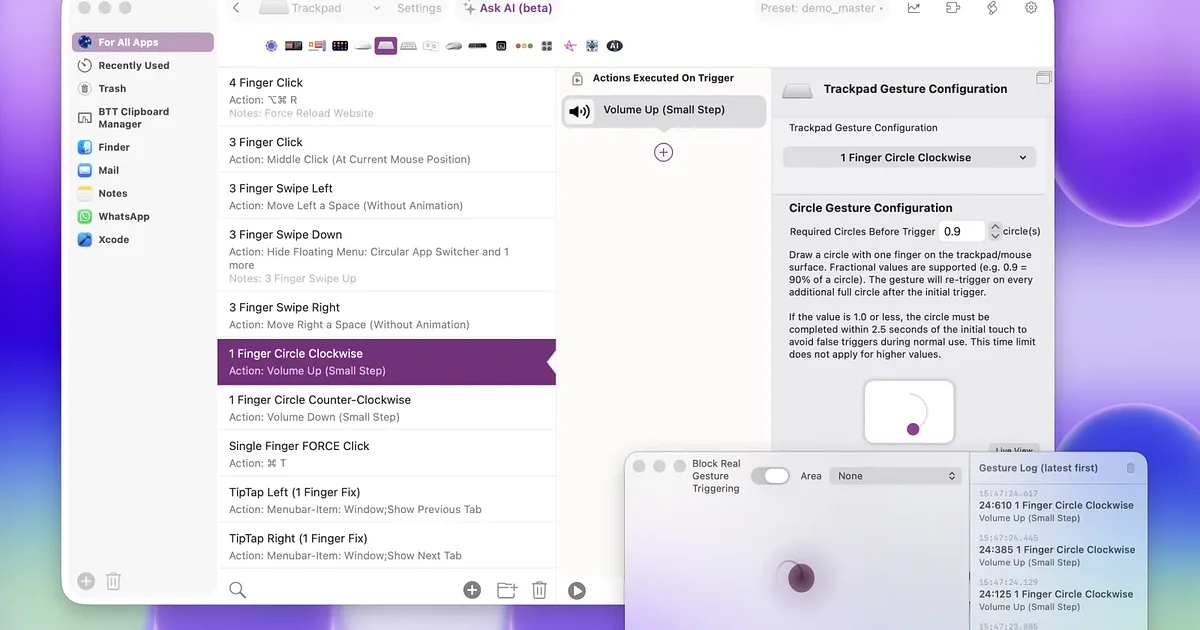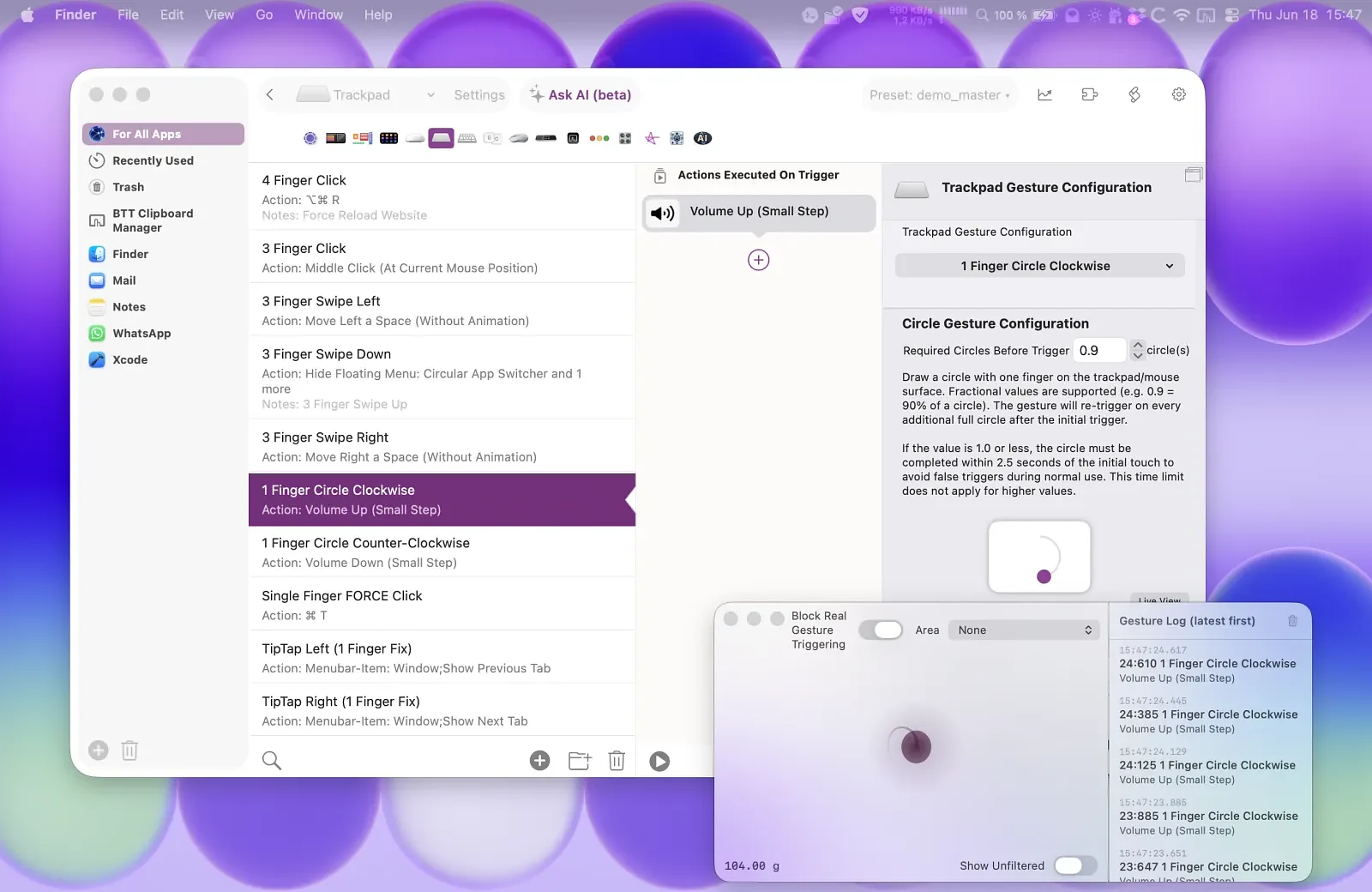
BetterTouchTool has been on Macs for sixteen years, and for a lot of people it is the first thing installed on a new machine. Trackpad gestures, a Hyper key, window snapping, Stream Deck buttons, a clipboard manager, a launcher, scripting hooks: it does an absurd amount for $15, or $25 if you take the lifetime licence. So why do people go looking for something else?
Usually it is one of three things. The first is scope. BTT can do so much that the preferences window becomes a second job, and plenty of users realise they only ever wanted one feature. The second is the standard licence, which stops delivering updates after two years unless you pay again or go lifetime, a model some people simply dislike. The third is that BTT is, for all its polish, one developer's app, and some people prefer their input layer to be open source or backed by a company. Whatever the reason, here are the four apps a BTT user can credibly pick instead, each covering one of the jobs BTT does.
Swish
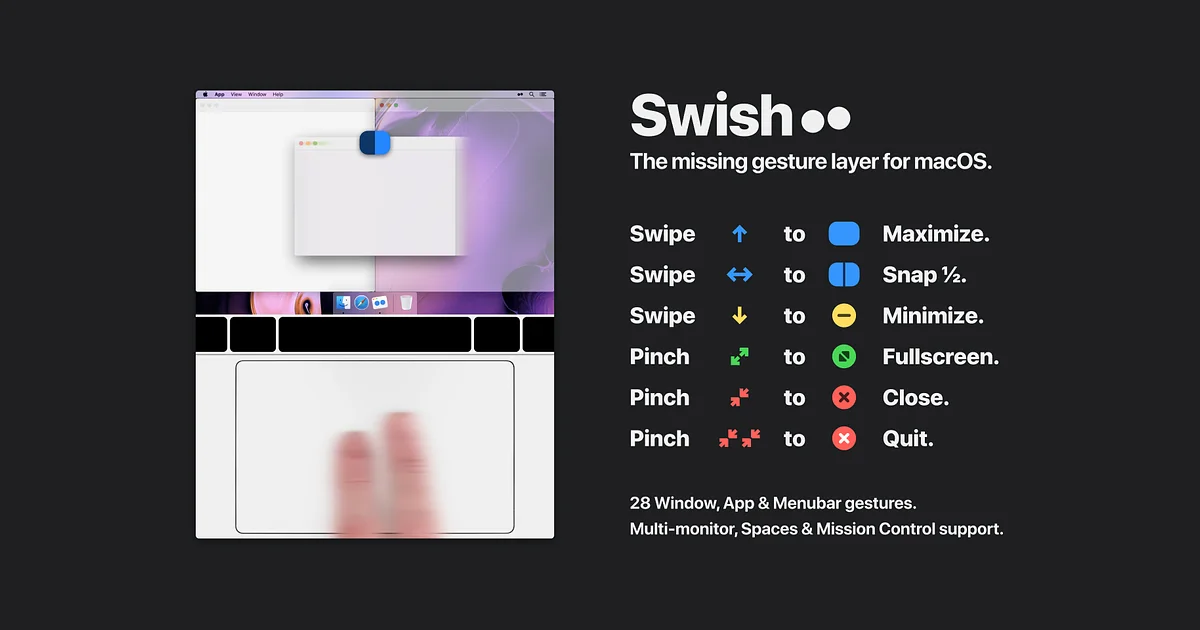
Swish is the gesture-and-windows slice of BetterTouchTool, rebuilt by Christian Renninger as a single-purpose app. Swipe on a window's title bar to snap it to a half or a quarter of the screen, pinch to go fullscreen, swipe on the menu bar to hide it, two-finger swipe between spaces. There are around thirty gestures and they all feel like Apple should have shipped them.
Pick it if you bought BTT for window management and gestures and never opened the keyboard or scripting tabs. Setup takes minutes rather than an afternoon, and the gestures are discoverable because there are only thirty of them.
It costs $16 one-time with a 14-day trial, or comes with Setapp. It supports macOS 10.13 onward and is ready for macOS 26.
The honest downside: it is only gestures. No keyboard remapping, no Stream Deck, no clipboard history, no scripting. If you rely on any of those, Swish is a companion, not a replacement.
Karabiner-Elements
Karabiner-Elements is the keyboard half of the story. It runs as a virtual keyboard driver underneath macOS, so remaps apply in every app and even at the login screen. The classic use case is turning Caps Lock into a Hyper key or Escape-on-tap, Control-on-hold, but it goes far further: layers, per-device profiles, simultaneous key chords and modifications that BTT's shortcut layer cannot express.
Pick it if keyboard tricks were your main reason for BTT. Many power users actually run both, letting Karabiner create the Hyper key and something else consume it, but if you only want the remapping, Karabiner alone is enough.
It is free, public domain, and maintained by Takayama Fumihiko with a release as recent as August 2026 covering macOS 13 through 27.
The honest downside: complex rules are written in JSON. The GUI handles simple swaps and imports community rules, but anything clever means editing a config file by hand.
Keyboard Maestro
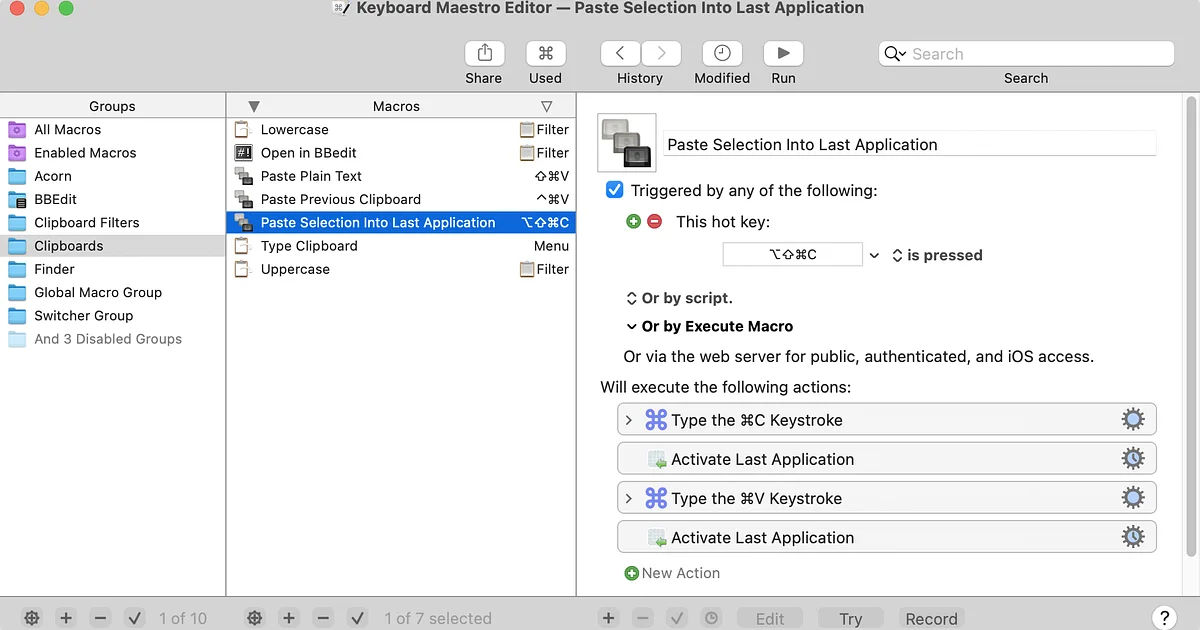
Keyboard Maestro is what you graduate to when BTT's action list stops being enough. Stairways Software has shipped it for over twenty years, and version 11 is a proper macro environment: variables, loops, conditions, image recognition on screen, web form filling, text processing, plus hundreds of built-in actions assembled in a visual editor with no code required. Triggers include hot keys, typed strings, USB device keys, MIDI notes, time of day, app launches and even shapes drawn with the mouse or trackpad.
Pick it if your automations have logic in them. If you have ever wished BTT could branch on a condition or loop over a list, this is the tool.
It costs $36 one-time, with upgrades at $25, runs on macOS 10.13 or later and is Apple silicon native. There is a free trial.
The honest downside: it does not do trackpad gestures, and the interface looks like it has been around for twenty years because it has. It is also the most expensive app here, more than BTT's lifetime licence.
Hammerspoon
Hammerspoon is the free, open-source answer for people who would rather write their configuration than click through it. It bridges macOS system APIs into a Lua engine, and a single init.lua file can bind hotkeys, snap windows into layouts, react to Wi-Fi or USB changes, control other apps' menus, draw overlays and add menu bar items. Community Spoons cover the common jobs so you rarely start from nothing.
Pick it if you are a developer, or comfortable being one for an afternoon. A text config is portable, lives in your dotfiles and is trivially shareable, which is exactly the argument for Hammerspoon over BTT's exported presets.
It is free under the MIT licence. Release 1.1.1 from February 2026 requires macOS 13 or later.
The honest downside: there is no preferences window at all, and no trackpad gesture recognition. If you cannot read Lua you will be copying snippets you do not understand, and a typo means your hotkeys stop working until you fix it.
Which one should you pick
Match the app to the job you actually used BTT for.
Gestures and window snapping: Swish. It covers the trackpad-driven window management most BTT users care about, for a dollar more than BTT's standard licence, with none of the surface area.
Keyboard remapping: Karabiner-Elements. Free, deeper than BTT for key-level work, and safe to run alongside anything else.
Keyboard automation and macros: Keyboard Maestro if you want a visual editor and are happy to pay $36, Hammerspoon if you would rather write Lua and pay nothing.
Everything at once, including Stream Deck, clipboard history and the launcher: stay with BetterTouchTool. Nothing else here does all of it, and the $25 lifetime licence remains one of the better deals in Mac software. The alternatives win by doing less, and that is the point.