Every Mac software category has a default — the app that shows up first in every recommendation thread and gets bought without much thought. Sometimes the default earns it. Often it just got there first, and something cheaper, faster, or less subscription-shaped has quietly caught up.
We keep a running alternatives index for exactly this reason. Below are seven pairings worth knowing about, with an honest read on when switching makes sense and when it doesn't.
1. Alfred → Raycast
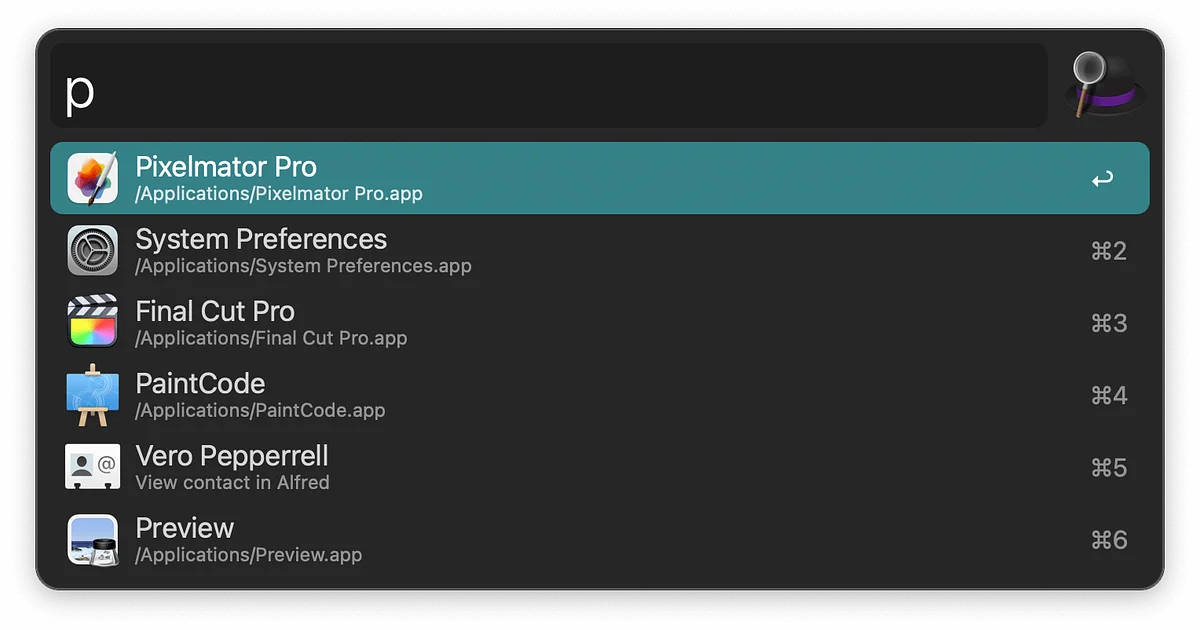
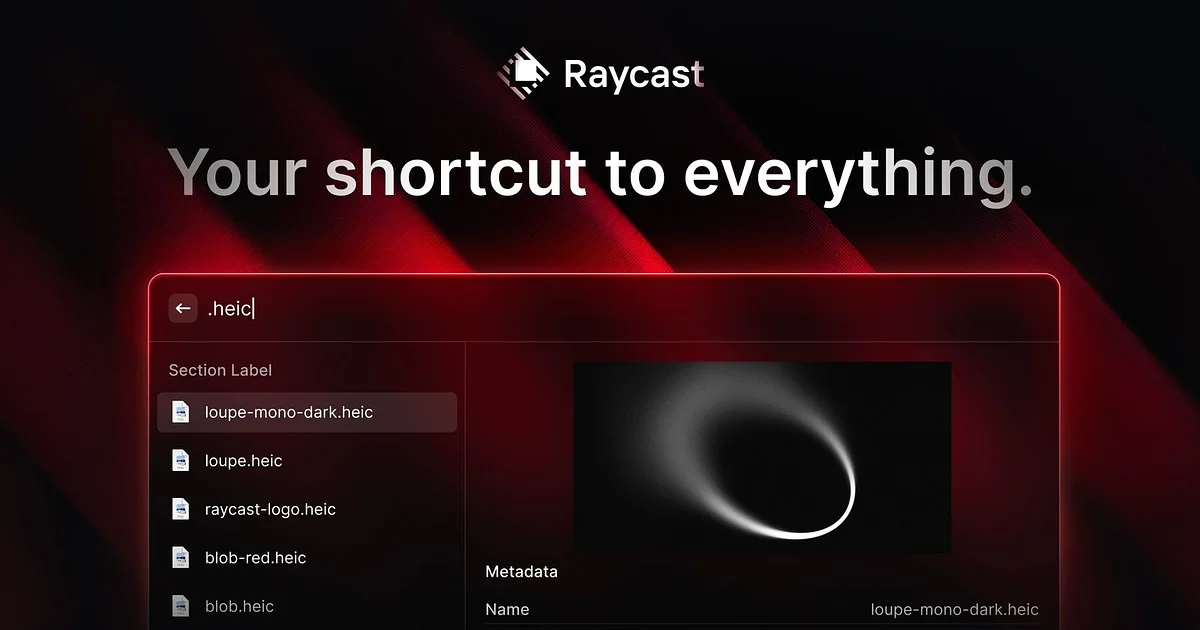
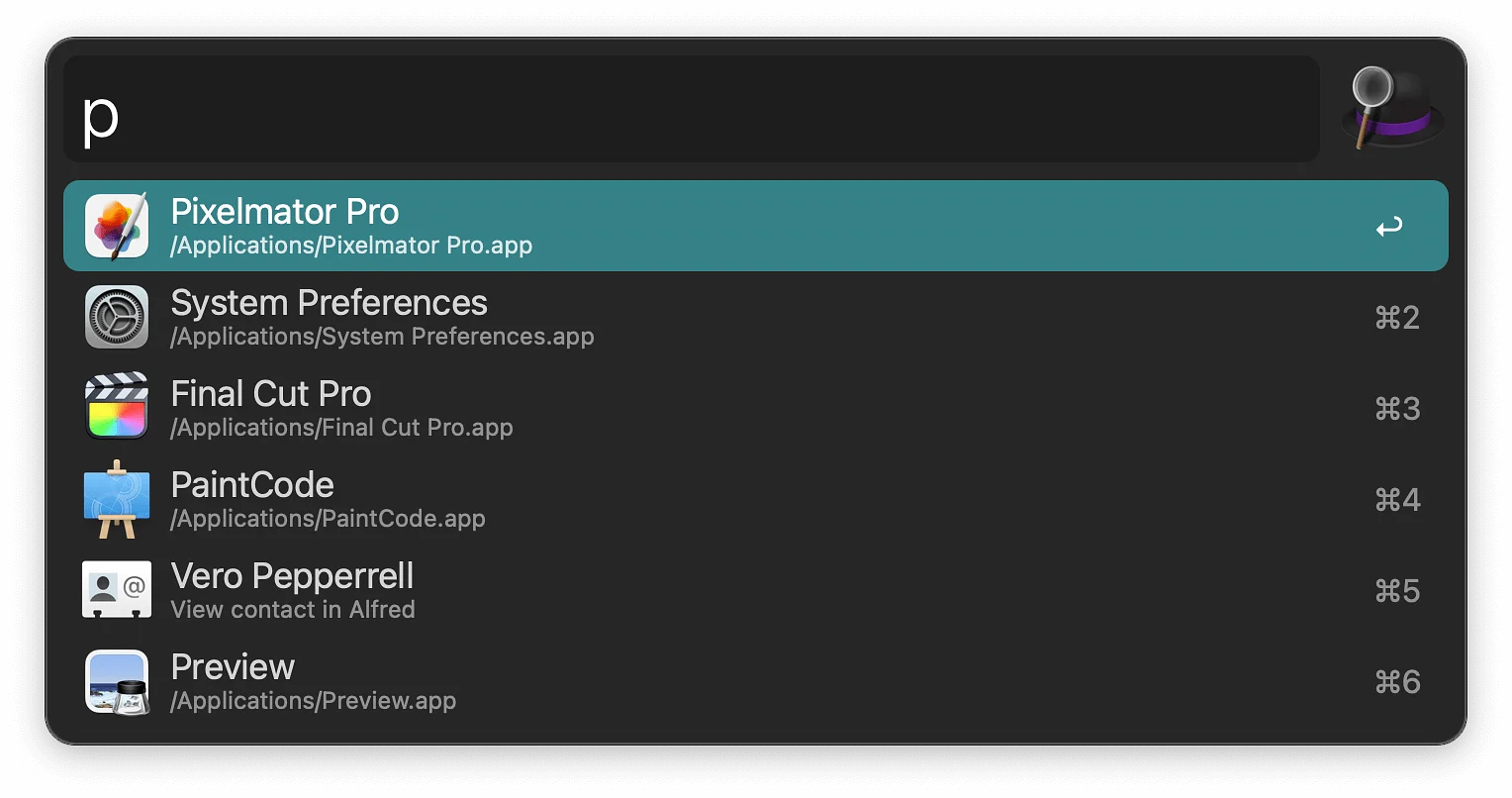
Alfred spent a decade as the Spotlight replacement for people who took their launcher seriously, and its workflow system is still deeper than anything else on the Mac. But Raycast arrived with a free tier, a native-feeling interface, and an extension store that grew fast — over a thousand community extensions covering GitHub, Notion, Linear, Jira and more.
Switch if: you want extensions without building them yourself, or you'd rather not pay for a Powerpack licence. Stay if: you've invested years in custom Alfred workflows. Porting them is real work.
See the full comparison on our Alfred alternatives page.
2. 1Password → Bitwarden
1Password is the most polished password manager on macOS, and its family sharing and travel mode are genuinely well built. The friction is the pricing — it's subscription-only now, with no perpetual licence.
Bitwarden is open source, audited, and free for individual use with unlimited passwords across unlimited devices. The interface is plainer. The security model is not worse.
Switch if: you're paying for a password manager and don't need the family features. Stay if: you rely on 1Password's Watchtower reports or share vaults with non-technical family members who'll struggle with a rougher UI.
More at 1Password alternatives.
3. Magnet → Rectangle
Magnet is a paid window manager on the App Store. Rectangle is open source and free, does the same snapping, and adds keyboard shortcuts Magnet charges for.
This is the least complicated recommendation on the list. Rectangle is a straight upgrade for most people, and the one-time cost of Magnet was never the issue — it's that Rectangle is actively developed in the open.
Switch if: you use window snapping at all. Stay if: you've already bought Magnet and it does what you need. There's no urgency.
Compare both on the Magnet alternatives page.
4. CleanMyMac X → DaisyDisk
These solve overlapping problems very differently. CleanMyMac X is a suite — junk cleaning, malware scanning, uninstaller, optimiser. It's convenient, and it's a subscription.
DaisyDisk does one thing: it shows you what's eating your disk in a sunburst chart you can drill into, then lets you delete it. One-time purchase. No background agent, no notifications asking you to run a scan.
Switch if: disk space is your actual problem and you don't want the rest of the suite. Stay if: you want the uninstaller and malware tooling in one place.
See CleanMyMac X alternatives.
5. Fantastical → Notion Calendar
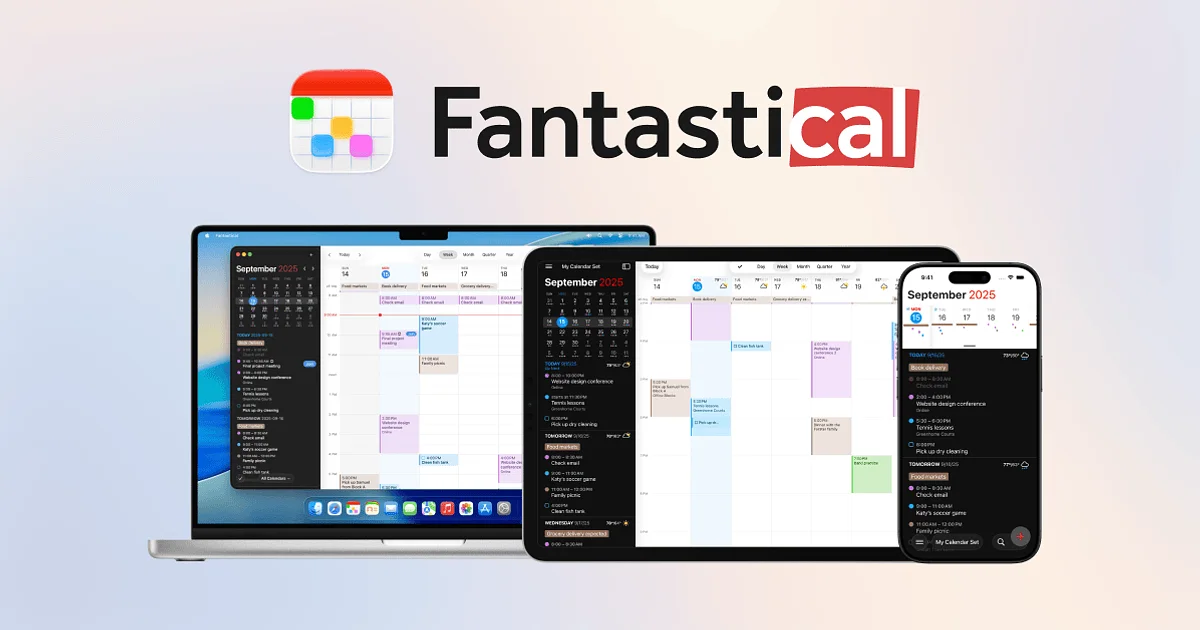
Fantastical has the best natural-language event parsing on macOS and a genuinely excellent menu bar experience. It also moved to a subscription, which pushed a lot of long-time users to look around.
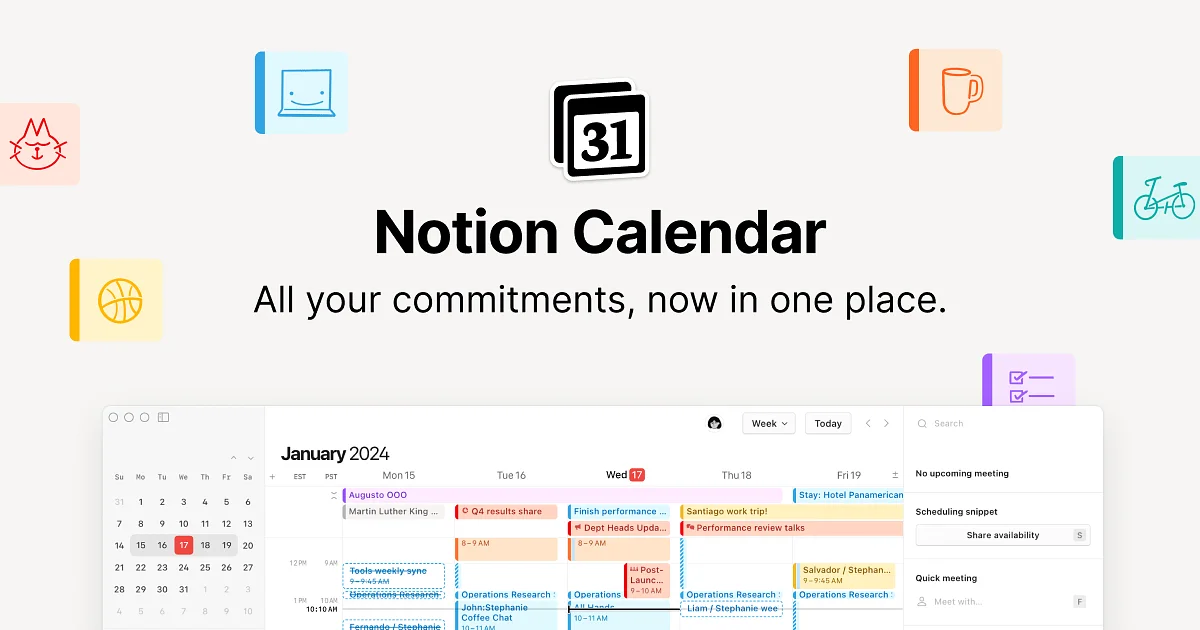
Notion Calendar is free, fast, handles multiple Google accounts cleanly, and links events to Notion docs if you're already in that ecosystem.
Switch if: you want a good calendar without a recurring bill, or you live in Notion. Stay if: you use Fantastical's weather, time zones, or its interesting proposals feature.
Full list on Fantastical alternatives.
6. Wispr Flow → TypeWhisper
Voice-to-text on the Mac got good fast. Wispr Flow is the best-known option — dictate anywhere, and it cleans up filler words and formatting as it transcribes. It's subscription-based and cloud-processed.
TypeWhisper covers the same core use case with a different tradeoff on pricing and processing.
Switch if: you dictate occasionally rather than constantly, or you'd prefer not to send audio to a server. Stay if: you dictate for hours a day and Flow's cleanup quality is doing real work for you.
Compare on Wispr Flow alternatives.
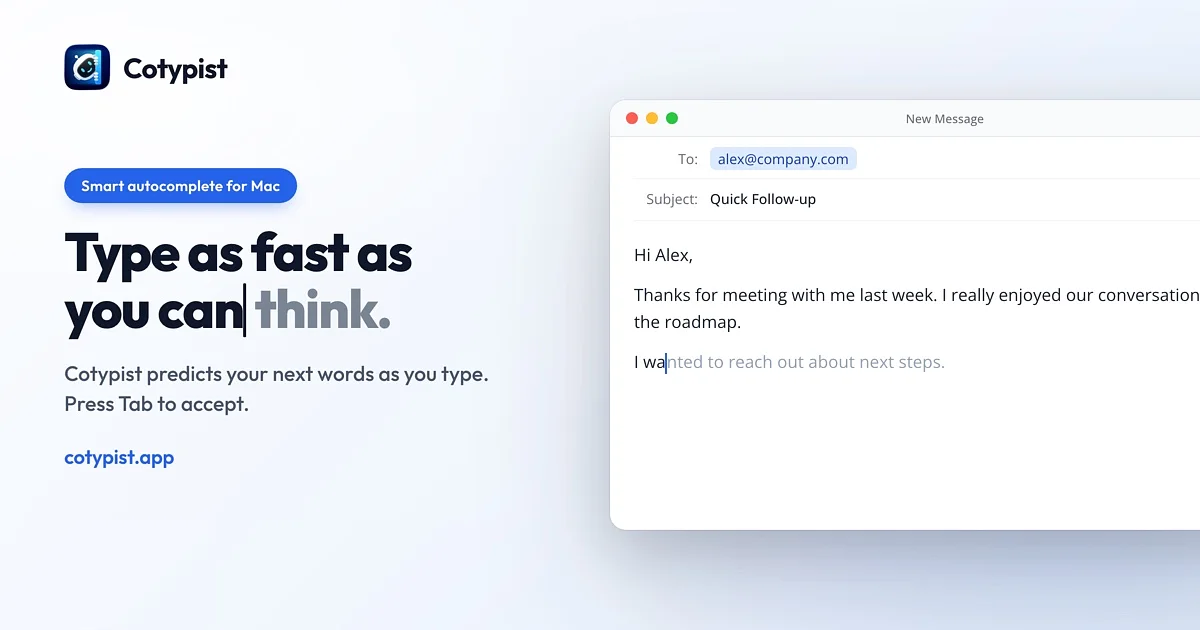
7. Cotypist → CoTabby
Both bring inline AI text prediction to macOS — the autocomplete-everywhere idea, running system-wide rather than inside one editor. Cotypist and CoTabby differ mainly in how aggressive the suggestions are and how they handle local versus cloud models.
This is a newer category and worth trying both before committing, since preference here is genuinely personal — some people find constant suggestions helpful, others find them intrusive.
The pattern worth noticing
Five of these seven swaps are driven by the same thing: the incumbent moved to a subscription, and an open-source or one-time-purchase option got good enough. That's not an accident. It's the defining shift in Mac software over the last few years.
If that's the tradeoff you care about, the full alternatives index covers every comparison we've written up, and our utilities and productivity categories are where most of these swaps live.