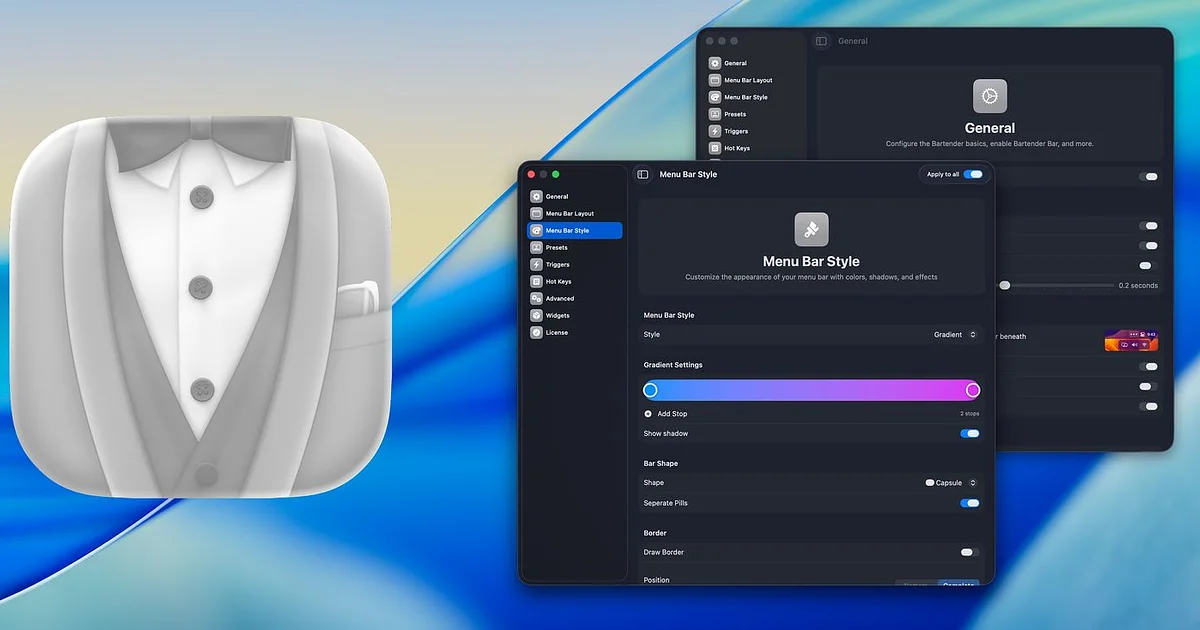
Bartender owned the menu bar category for a decade — then quietly changed owners in 2024, and long-time users noticed before the developer announced it. The trust wobble sent r/macapps looking for replacements, and the search settled on three, all tracked on our Bartender alternatives page.
The full replacement: Ice
Ice is the answer that gets posted verbatim in every Bartender thread: free, open source, and it covers the core paid feature set — hide icons, show on hover or click, secondary bar for the overflow. It matured fast after 2024 and is now a polished daily driver with an active contributor base on GitHub.
The catch: the deepest Bartender-specific tricks (triggers, per-app presets) are not all there. Most people never used them.
The App Store minimalist: Hidden Bar
Hidden Bar collapses your clutter behind a chevron and shows it on click. That is the entire app — sub-10MB, free, open source, installed and sandboxed via the Mac App Store. If your problem is visual noise rather than menu bar workflow, this is the two-minute fix.
The catch: no hover reveal, no secondary bar, no auto-hide rules.
The one-time indie: Vanilla
Vanilla sits between the two: drag icons behind the divider, click to reveal, with Pro adding auto-hide and start-at-login for about $10 — once. From indie developer Matthew Palmer, and a repeat entry in every alternatives roundup for people who found Bartender overkill but Hidden Bar too plain.
The catch: development moves slowly; it does what it does and little more arrives.
The honest summary
Ice unless you have a reason not to. Hidden Bar if you want App Store safety and simplicity. Vanilla if you want the middle. And Bartender 5 itself remains a capable app — the hesitation is about trust, not function. Comparisons live on the Bartender alternatives page.